HTTP/HTTPS Credential Profile in ObserveOps
Use the HTTP/HTTPS protocol to monitor web applications, APIs, and services that expose HTTP or HTTPS endpoints.
Required Fields
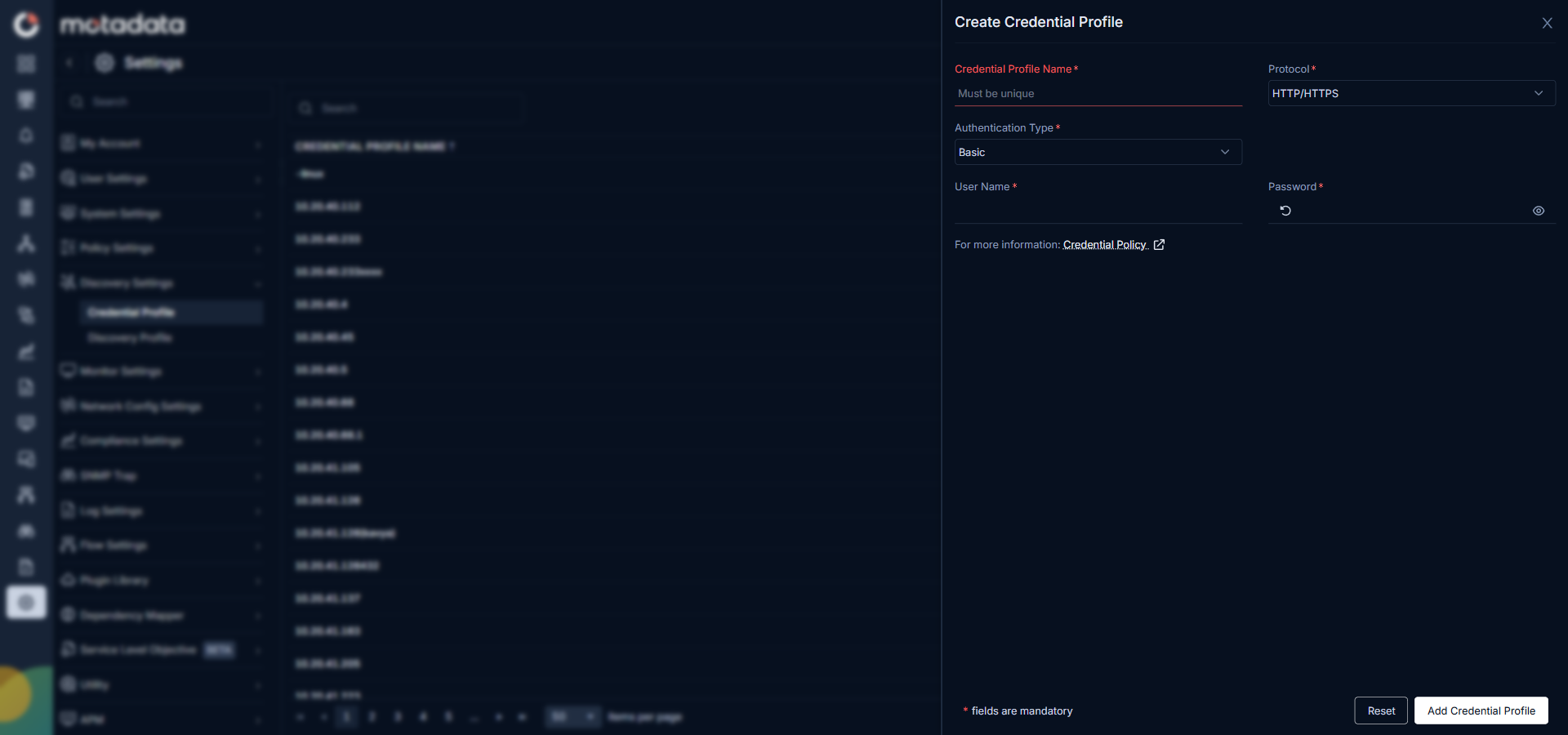
Select the Auth Type first. The fields below change based on the authentication method your endpoint uses.
Basic / NTLM / Digest
These three auth types share the same fields:
| Field | Description |
|---|---|
| User Name | The account username the HTTP endpoint requires for authentication. |
| Password | The password for the account entered above. |
API Key
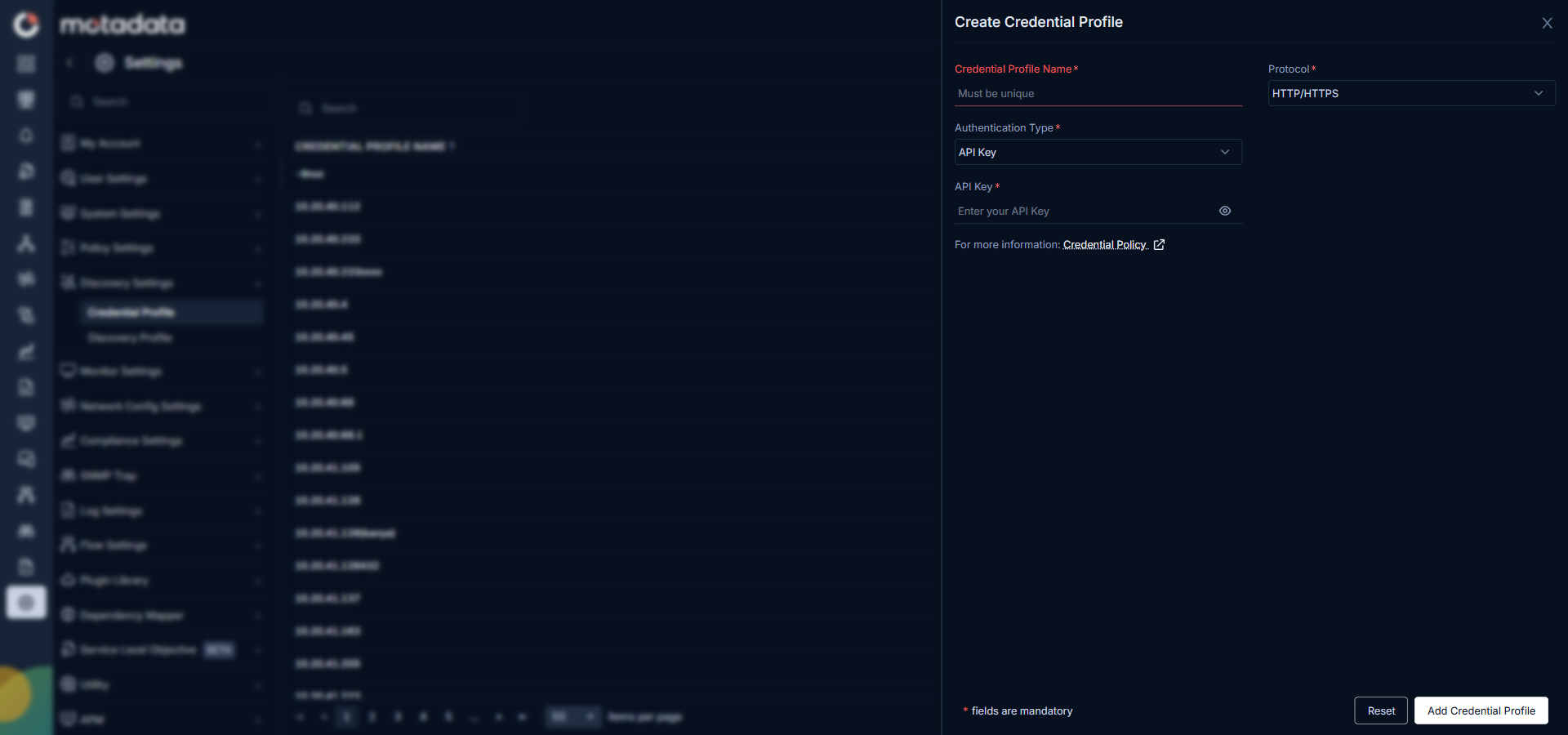
| Field | Description |
|---|---|
| Key Name | The header or query parameter name your API uses for the key, for example X-API-Key. |
| Key Value | The API key value issued by the service. ObserveOps sends this value with every request. |
Bearer Token
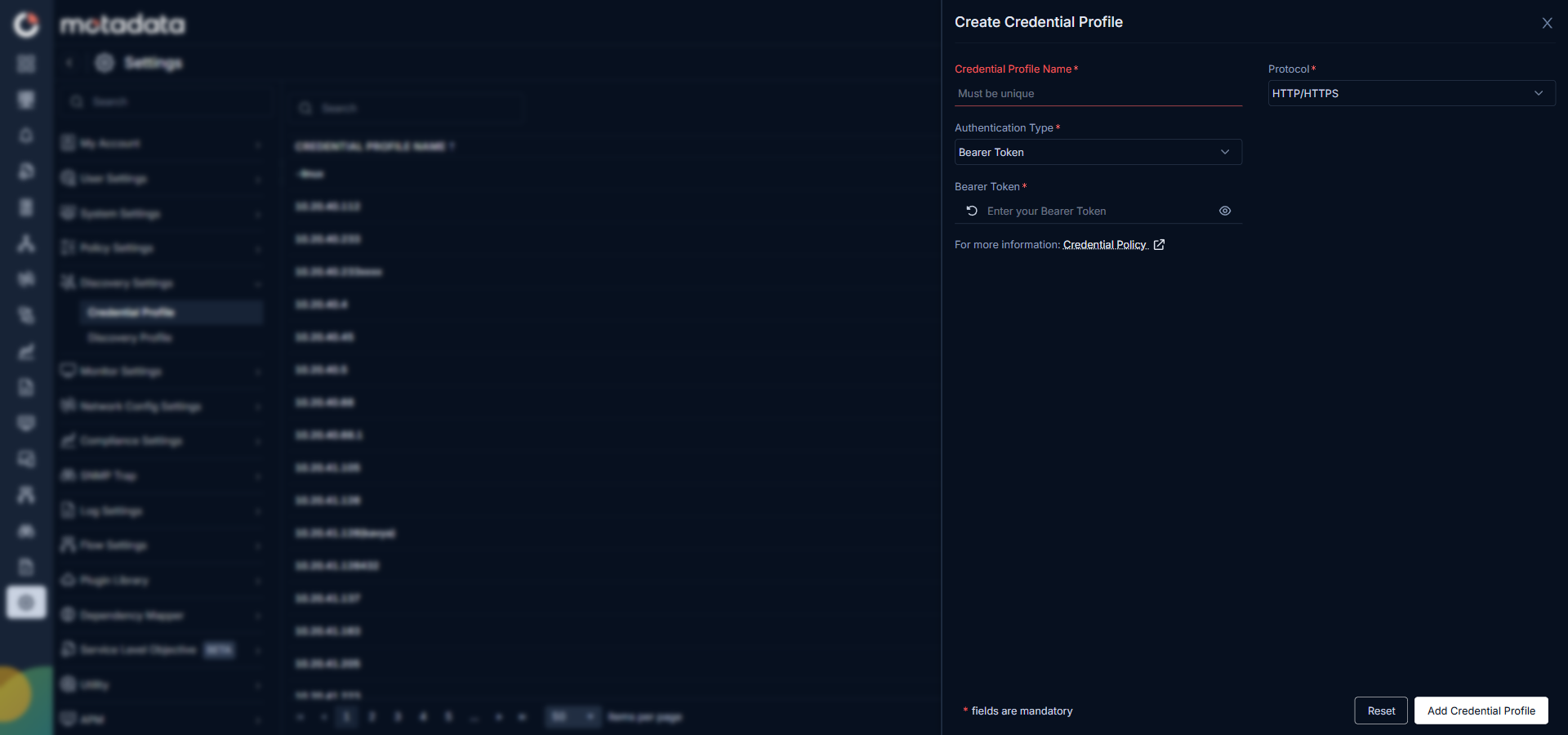
| Field | Description |
|---|---|
| Token | The bearer token string issued by the service. ObserveOps sends this in the Authorization header with every request. |
OAuth 2.0
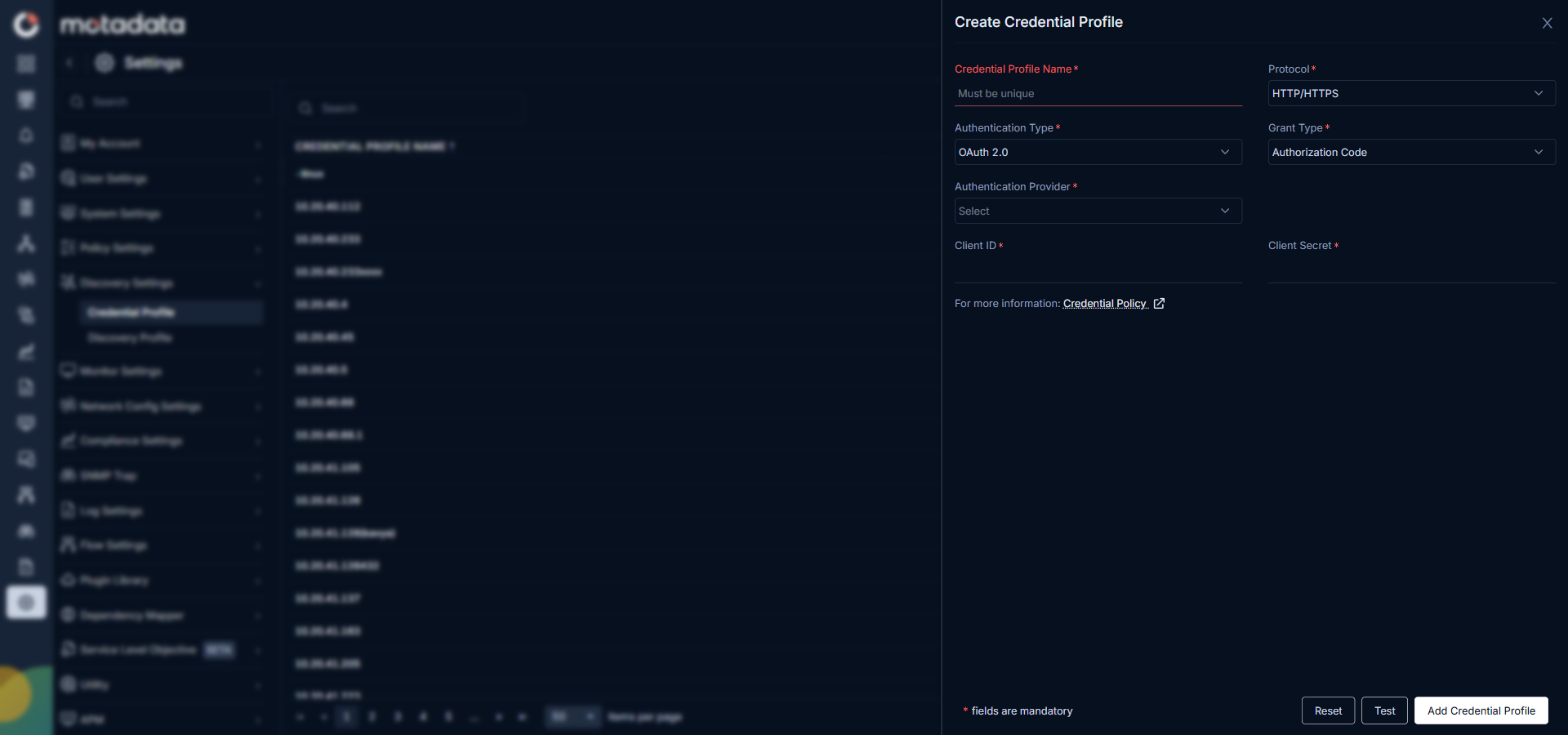
| Field | Description |
|---|---|
| Grant Type | The OAuth flow type to use for token exchange. Select Authorization Code. |
| Authentication Provider | The name of the identity provider that issues access tokens for this service. |
| Client ID | The client ID registered with your identity provider for this ObserveOps integration. |
| Client Secret | The client secret associated with the client ID above. ObserveOps uses this to obtain access tokens. |
Client Certificate Auth
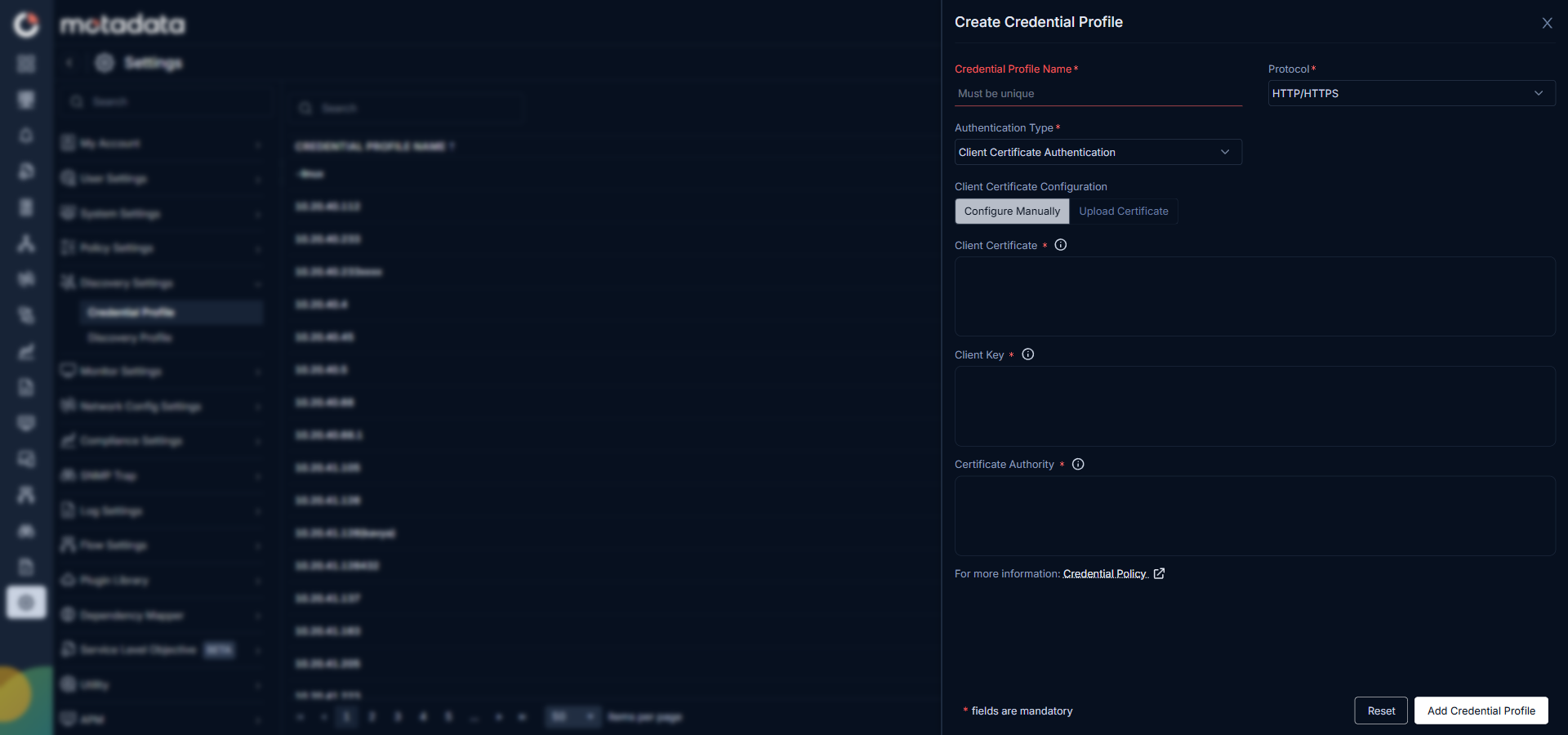
Two tabs appear: Configure Manually and Upload Certificate.
Configure Manually tab:
| Field | Description |
|---|---|
| Client Certificate | The PEM-formatted client certificate that ObserveOps presents to the server during the TLS handshake. |
| Client Key | The private key that matches the client certificate above. |
| Certificate Authority | The CA certificate that signed the client certificate, used by the server to verify the connection. |
Upload Certificate tab: Upload your certificate files directly instead of pasting the content manually.
Related Topics
- Credential Profile Overview: create, edit, delete, and assign credential profiles
- Adding Service Checks: full walkthrough for service check discovery and provisioning